JPG to PNG Converter
PNG is lossless and supports transparency. Convert JPG to PNG when you need a clean, editable version or need to remove the background afterwards.
Why convert JPG to PNG?
PNG and JPG are both ubiquitous image formats but they're built for very different purposes. JPG uses lossy compression — perfect for photographs, but it can introduce blurring and artifacts on graphics with sharp edges, text, or large flat color areas. PNG uses lossless compression and supports transparency, making it the right choice for screenshots, logos, icons, charts, and any image where pixel-perfect accuracy matters.
Converting JPG to PNG won't recover any quality the original JPG already lost — that information is gone. But it will prevent further loss if you plan to edit and resave the file repeatedly, and it gives you transparency support that JPG simply doesn't have.
If you're working with a screenshot, a logo, or any graphic that needs sharp edges and exact colors, PNG is the format you want.
About JPG
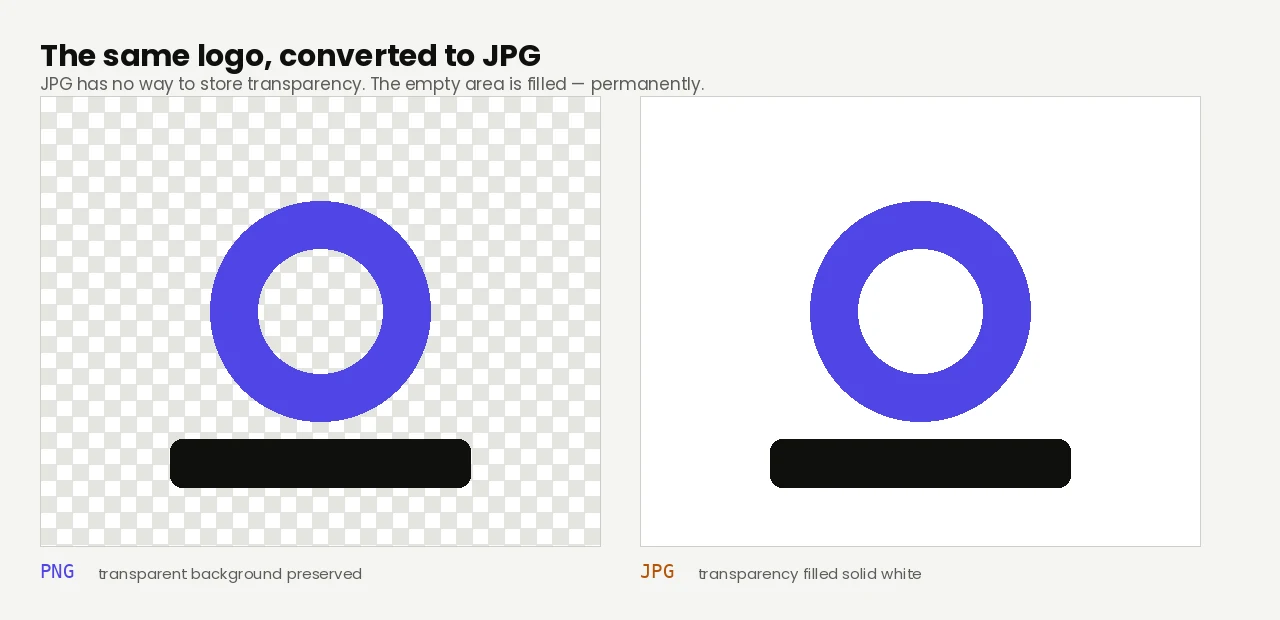
JPG is the standard photo format. It uses lossy compression that's excellent for photographs but can degrade graphics with sharp edges, text, or solid color areas. JPG also doesn't support transparency.
About PNG
PNG (Portable Network Graphics) was released in 1996 as a free, open alternative to GIF. It uses lossless compression — every pixel is preserved exactly as it was. It also supports full transparency (alpha channel), making it the standard format for logos, icons, screenshots, and graphics where quality matters more than file size.
Quality and file size
The PNG output preserves the JPG exactly as it currently looks. It cannot recover quality that was already lost during the original JPG compression — that data is gone permanently. The PNG will be larger than the JPG (often 2–5 times) because PNG compression is lossless. Use this conversion when you need transparency, sharp edges, or want to prevent further quality loss in editing.
Measured on one 12.5 MP phone photo (3072 × 4080, large smooth-gradient sky): the 2,443 KB JPG became a 10,247 KB PNG — 4.2× larger, and not one pixel of the original detail came back.
How these figures were measured →
Filesmith runs entirely in your browser using WebAssembly. Files are never uploaded to any server — conversion happens locally on your device, instantly and privately.