WEBP to PNG Converter
Convert WEBP to PNG for full compatibility and lossless quality. PNG keeps every pixel exactly as-is and supports transparency.
Why convert WEBP to PNG?
WebP is Google's modern image format, designed for efficient web delivery. Most browsers display it natively, but a lot of software outside the browser ecosystem — older photo editors, certain operating systems, some image processing pipelines — still doesn't support it. PNG is the universal lossless image format and works absolutely everywhere.
Converting WebP to PNG is the right move when you need a lossless version of a WebP image to use in software that doesn't support WebP, or when you specifically need PNG features (like guaranteed transparency support across all tools).
Because PNG is lossless, the conversion preserves every pixel and any transparency in the source WebP. The output PNG will typically be larger than the WebP source — sometimes much larger — since PNG's compression is less efficient.
About WEBP
WebP is Google's image format, released in 2010. It supports both lossy and lossless compression, transparency, and animation. WebP files are typically smaller than equivalent PNGs but compatibility outside browsers is limited.
About PNG
PNG (Portable Network Graphics) is a lossless image format from 1996. Every pixel is preserved exactly, transparency is fully supported, and PNG works in literally every image-handling tool ever made.
WEBP vs PNG at a glance
| WEBP | PNG | |
|---|---|---|
| Compression | Lossy or lossless, your choice | Always lossless |
| Transparency | Yes | Yes |
| Animation | Yes | No |
| File size | Roughly 25–35% smaller than PNG | Large, and larger still from a lossy source |
| Support | Every current browser; patchy elsewhere | Everything, everywhere, since 1996 |
| Best for | Delivering images on the web | Editing, archiving, and software that refuses WebP |
When converting is the right call
- A program you need to use won’t open WebP at all — older editors and some desktop software still don’t.
- You’re handing the file to someone else and don’t know what they’ll open it in.
- A submission form or print service accepts PNG and rejects WebP.
- You need a format that will still open in twenty years without thinking about it.
This is the one conversion on the site that will almost always make your file dramatically bigger, and it cannot give you back quality that a lossy WebP already discarded. One 85 KB WebP came out as a 1,009 KB PNG here — 11.8× larger, pixel-for-pixel identical. Do it for compatibility, never for quality. If the receiving software takes JPG, WebP to JPG is a far smaller file.
Quality and file size
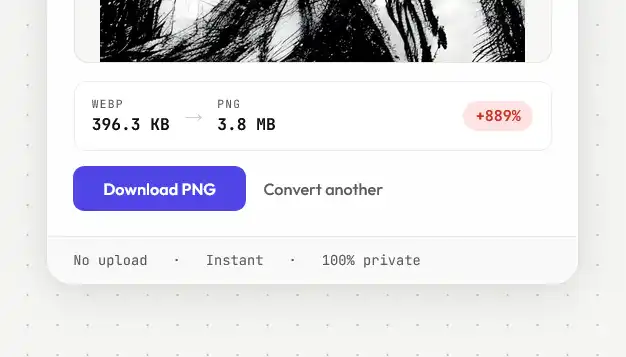
PNG is lossless, so the output preserves the WebP exactly — no quality is lost. The PNG file will be larger than the WebP source, often significantly, because PNG's compression isn't as efficient as WebP's. Transparency is fully preserved.
This conversion trades size for compatibility, and the trade is steep: one 85 KB WebP became a 1,009 KB PNG — 11.8× larger.
How these figures were measured →
Filesmith runs entirely in your browser using WebAssembly. Files are never uploaded to any server — conversion happens locally on your device, instantly and privately.