PNG to JPG Converter
JPG is the universal format — smaller file size, supported everywhere. Best for photos. Note: JPG doesn't support transparency, so any transparent areas become white.
Why convert PNG to JPG?
PNG and JPG are both extremely common image formats, but they're built for different purposes. PNG uses lossless compression and supports transparency — perfect for screenshots, logos, icons, and graphics where exact pixel accuracy matters. JPG uses lossy compression optimized for photographs, producing files that are dramatically smaller while keeping photo quality high.
If you've taken a screenshot or saved a photo as PNG and now need a smaller file (for emailing, web upload, or storage), converting to JPG can shrink the file by 80% or more with no visible quality loss on photographic content.
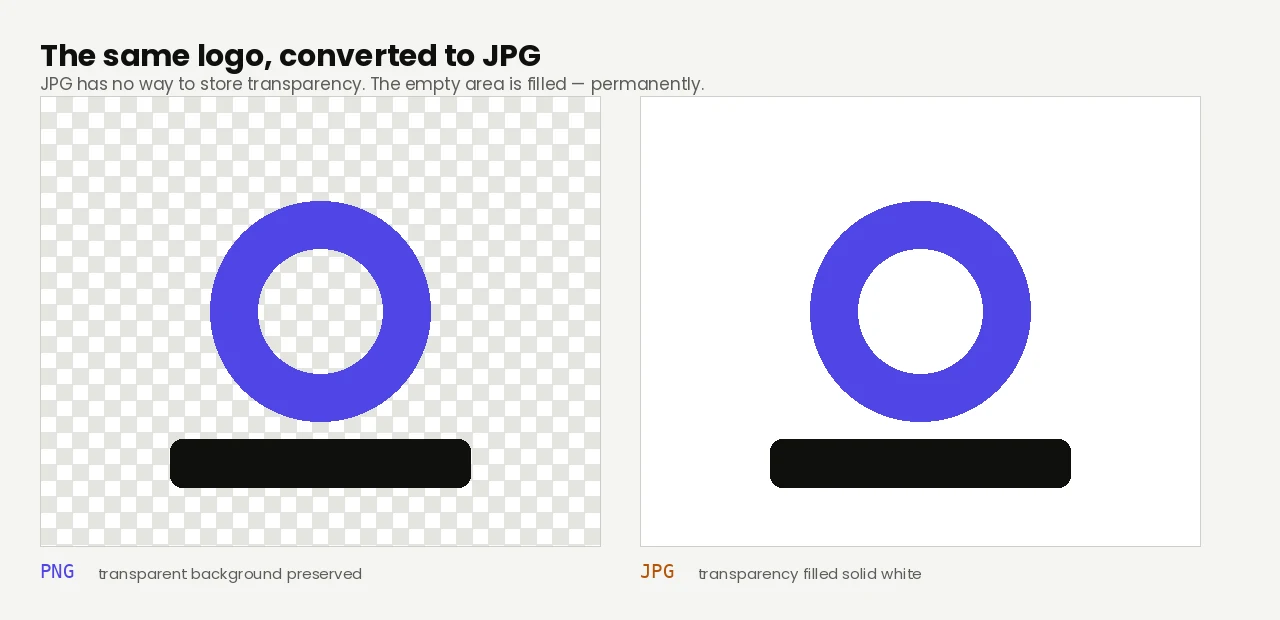
The main thing to know: JPG doesn't support transparency. Any transparent pixels in the source PNG will be filled with solid white in the JPG.
About PNG
PNG (Portable Network Graphics) is a lossless image format released in 1996 as a free replacement for GIF. It preserves every pixel exactly and supports transparency, which makes it ideal for graphics, logos, and screenshots.
About JPG
JPG (Joint Photographic Experts Group) is the universal photo format, in use since 1992. It uses lossy compression optimized for photographic content, producing much smaller files than lossless formats while preserving visual quality.
PNG vs JPG at a glance
| PNG | JPG | |
|---|---|---|
| Compression | Lossless — nothing is discarded | Lossy — discards detail to save space |
| Transparency | Yes | No |
| File size | Large on photos | Small on photos, no better on graphics |
| Best for | Logos, icons, screenshots, line art | Photographs and anything with natural texture |
Quality and file size
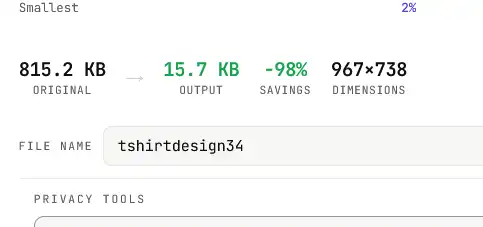
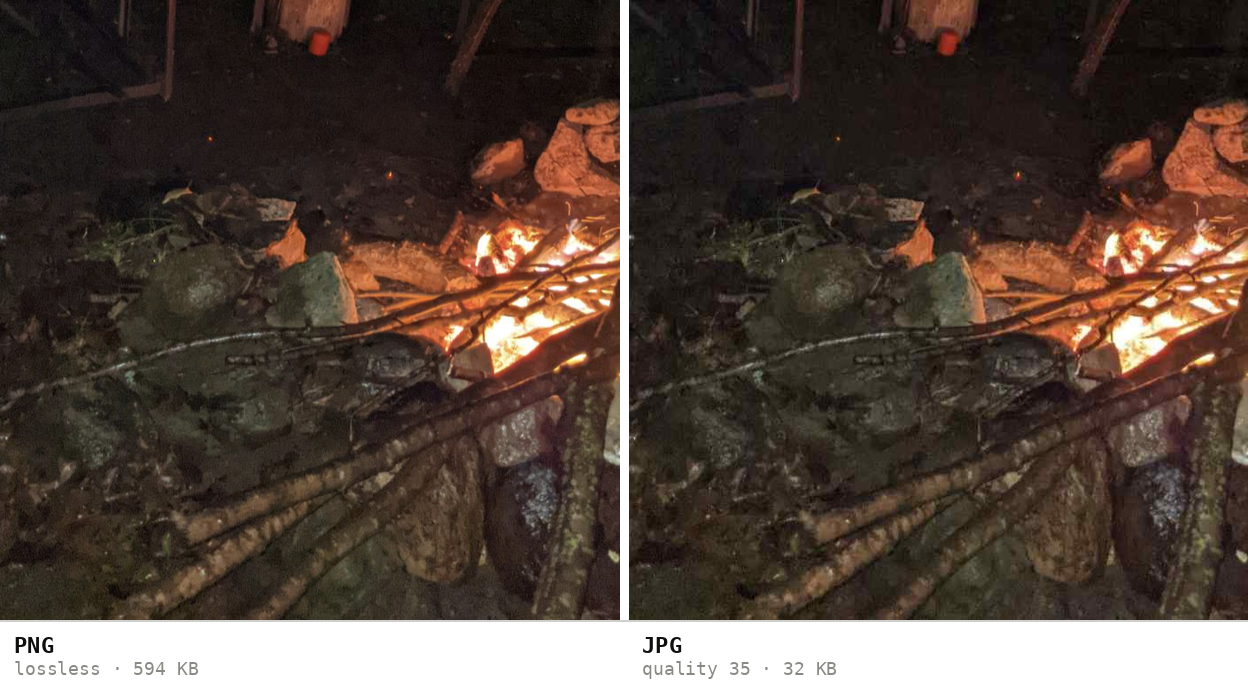
On photographic content the JPG output is visually identical to the PNG source — just much smaller (often 80–95% smaller). On graphics with sharp edges, text, or large flat color areas, JPG compression can introduce subtle blurring or artifacts. If your source is a screenshot or logo with hard edges, consider keeping it as PNG instead.
Measured on one 1080 × 2400 photo with large dark areas and visible sensor noise: 2,327 KB as PNG, 452 KB as JPG — a drop of 81%, with nothing visible lost.
How these figures were measured →
Filesmith runs entirely in your browser using WebAssembly. Files are never uploaded to any server — conversion happens locally on your device, instantly and privately.
When converting is the right call
- You have a photo saved as PNG and need something small enough to email or upload.
- A form or platform accepts JPG and rejects PNG outright.
- You're optimising images for a site where page weight matters.
- You're clearing space and the PNGs are photographs rather than graphics.
If your PNG has a transparent background — a logo, an icon, a cut-out — leave it alone. JPG has no transparency at all, so those areas come back filled with solid white, permanently. Keep it as PNG, or use WebP, which gives you transparency and compression.