PNG to PDF Converter
Convert a PNG image to a PDF in one click. Useful for sharing graphics, screenshots, or diagrams as a printable document.
Why convert PNG to PDF?
Wrapping a PNG in a PDF turns the image into a printable, email-friendly document. This is useful for receipts, scanned documents, single-page forms, screenshots you need to print, and any case where you want the file to be treated as a document rather than an image.
PDFs open in dedicated PDF viewers across every operating system, with built-in print, zoom, and search controls. PNGs open as images, which is fine for casual viewing but less convenient for documents that need to look professional or be sent through formal channels.
Because PNG is lossless, the image inside the PDF is preserved at full quality with no compression added during the wrap.
About PNG
PNG (Portable Network Graphics) is a lossless image format that preserves every pixel exactly. It's the standard format for screenshots, logos, and any graphics where quality matters more than file size.
About PDF
PDF (Portable Document Format) is Adobe's universal document format, created in 1993. It's the standard for printable documents, forms, and shareable files that need to look identical across all devices.
Quality and file size
The PNG is embedded in the PDF at full resolution with no additional compression. Image quality is preserved exactly. The PDF file will be slightly larger than the source PNG due to the document container, but the difference is small.
Filesmith runs entirely in your browser using WebAssembly. Files are never uploaded to any server — conversion happens locally on your device, instantly and privately.
Transparency doesn't survive
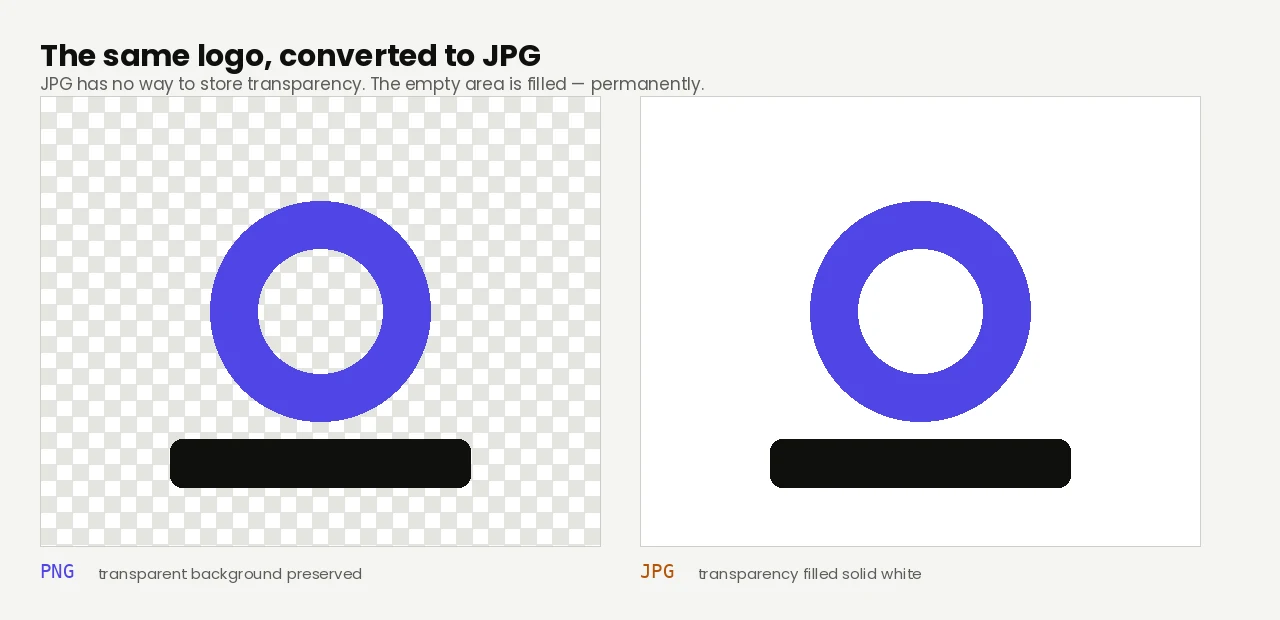
A PDF page is opaque. If your PNG has a transparent background — a logo, an icon, a cut-out graphic — those areas become white in the document. That's usually what you wanted anyway, since the page is white, but it's worth knowing before you place a white logo on what you assumed would stay transparent.
Expect a large file, and know when that's wrong
PNG is lossless, and it stays lossless inside the PDF. Nothing is re-compressed, so the document inherits the PNG's full size — which is the right outcome for screenshots, diagrams and line art, where every pixel is meaningful and text needs to stay crisp.
It's the wrong outcome for photographs. A 12-megapixel photo saved as PNG measures around 10 MB where the same photo as a quality-90 JPG is under 2 MB — five times the file for no visible benefit, because photographic content has nothing to gain from lossless storage. If your PNG is a photo rather than a graphic, convert it to JPG first and make the PDF from that.
Sharpness in print
The same arithmetic applies as with any image: pixel width divided by page width in inches gives the effective DPI, and 300 DPI is the usual print target. Across an A4 page that means about 2,480 pixels. Screenshots are frequently narrower than that, which is why a printed screenshot can look softer than it did on screen — capture at a higher resolution if the document is destined for paper rather than a screen.