JPG to PDF Converter
Convert a JPG image to a PDF document instantly. Great for sending photos as documents or combining images for print.
Why convert JPG to PDF?
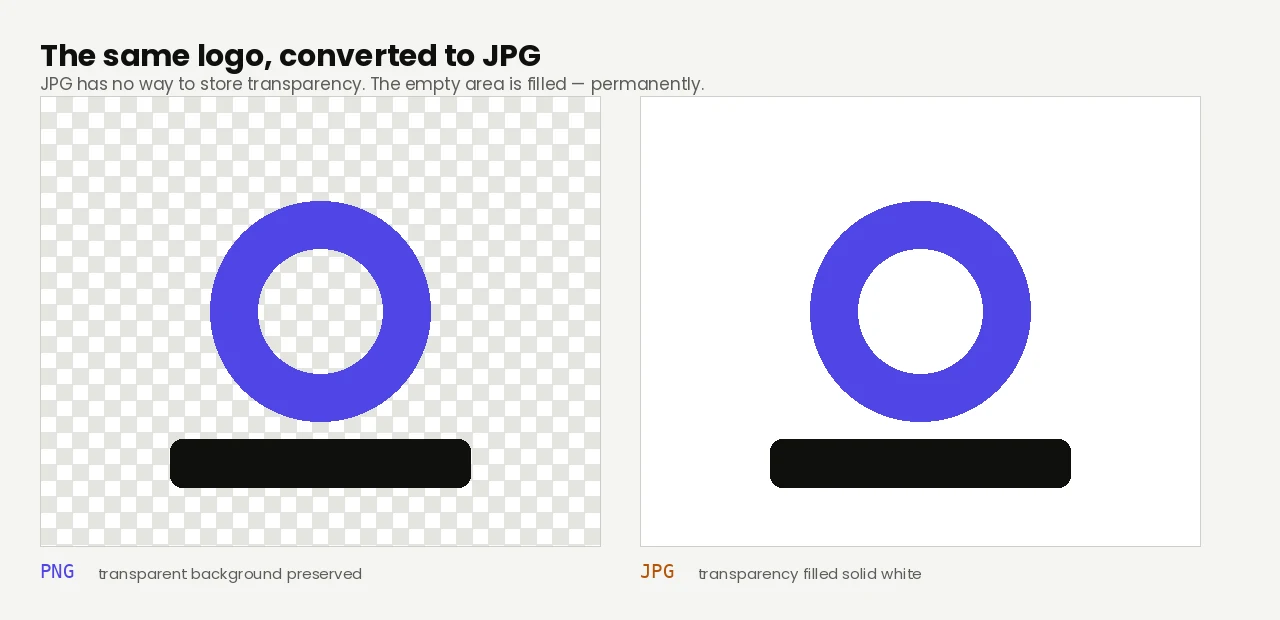
Converting an image to PDF wraps it in a document container, which is useful when you need a printable, email-friendly version that opens in any PDF viewer. Common use cases include making receipts, invoices, scanned documents, single-page reports, or simply sending an image to someone who prefers documents.
Unlike JPG, PDFs are treated as documents by browsers, email clients, and operating systems — they open in PDF viewers with print, zoom, and search controls. This makes them more convenient for sharing professional-looking documents.
JPG and JPEG are the same format — the only difference is the file extension. The conversion to PDF works identically with either one.
About JPG
JPG (or JPEG — same thing) is the universal photo format. It uses lossy compression optimized for photographic content and is supported by every operating system, browser, and app.
About PDF
PDF (Portable Document Format) is Adobe's standard document format from 1993. It's universally supported and is the go-to format for sharing documents that need to look identical on every device.
Quality and file size
The original JPG is embedded in the PDF at its full resolution — no additional compression is applied. The PDF file will be slightly larger than the source JPG due to the document container, but the image inside is unchanged.
Filesmith runs entirely in your browser using WebAssembly. Files are never uploaded to any server — conversion happens locally on your device, instantly and privately.
Will it be sharp enough to print?
This is the question worth answering before you send anything to a printer, and it's simple arithmetic: divide the image's pixel width by the page width in inches. That gives you the effective DPI.
| Image width | Across an A4 page | Verdict |
|---|---|---|
| 800 px | ~97 DPI | Fine on screen, visibly soft in print |
| 1,600 px | ~193 DPI | Acceptable for everyday printing |
| 2,480 px | 300 DPI | The standard target for print |
| 4,000 px | ~484 DPI | More than any home or office printer resolves |
A4 is 8.27 inches wide, US Letter 8.5. Photos straight off a modern phone are typically 3,000–4,000 pixels wide, so they comfortably exceed print requirements at full page size. Screenshots and images saved from the web often don't.
The PDF is about the same size as the JPG
Wrapping an image in a PDF doesn't re-compress it. The JPG is embedded as it is, with the PDF structure adding a few kilobytes of overhead, so a 2 MB photo produces roughly a 2 MB PDF. There's no quality loss in the conversion because there's no second encode — what you started with is what's inside the document.
If the result is too large to email, shrink the image first and convert afterwards. Compressing the PDF later means re-compressing an already-compressed JPG, which costs more quality than doing it once at the start.