JPG to AVIF Converter
AVIF is the newest image format — up to 50% smaller than JPG at the same quality. Ideal for modern websites that need fast-loading images.
Why convert JPG to AVIF?
AVIF is the most efficient widely-supported image format available today — typically 30–50% smaller than JPG at the same visual quality. For photographers, web developers, and anyone publishing images online, converting JPG to AVIF means dramatically smaller file sizes and faster page loads with no perceptible quality loss.
AVIF was released in 2019 and is built on the AV1 video codec, the same technology behind YouTube and Netflix's most efficient streams. It supports HDR, wide color gamuts, and transparency — features JPG simply doesn't have.
The main consideration is compatibility. Modern browsers (Chrome, Firefox, Safari 16+) all handle AVIF natively, but some older software, image editors, and platforms haven't caught up yet. For web use it's ready to go; for sending to someone using outdated software, JPG is still the safer choice.
About JPG
JPG is the standard photo format from 1992. It's universally supported but uses an older, less efficient compression algorithm than modern formats.
About AVIF
AVIF (AV1 Image File Format) is a 2019 image format developed by the Alliance for Open Media. It uses the same compression engine as the AV1 video codec, producing files significantly smaller than JPG, WebP, or PNG at the same visual quality. It also supports HDR, wide color gamuts, and transparency.
Quality and file size
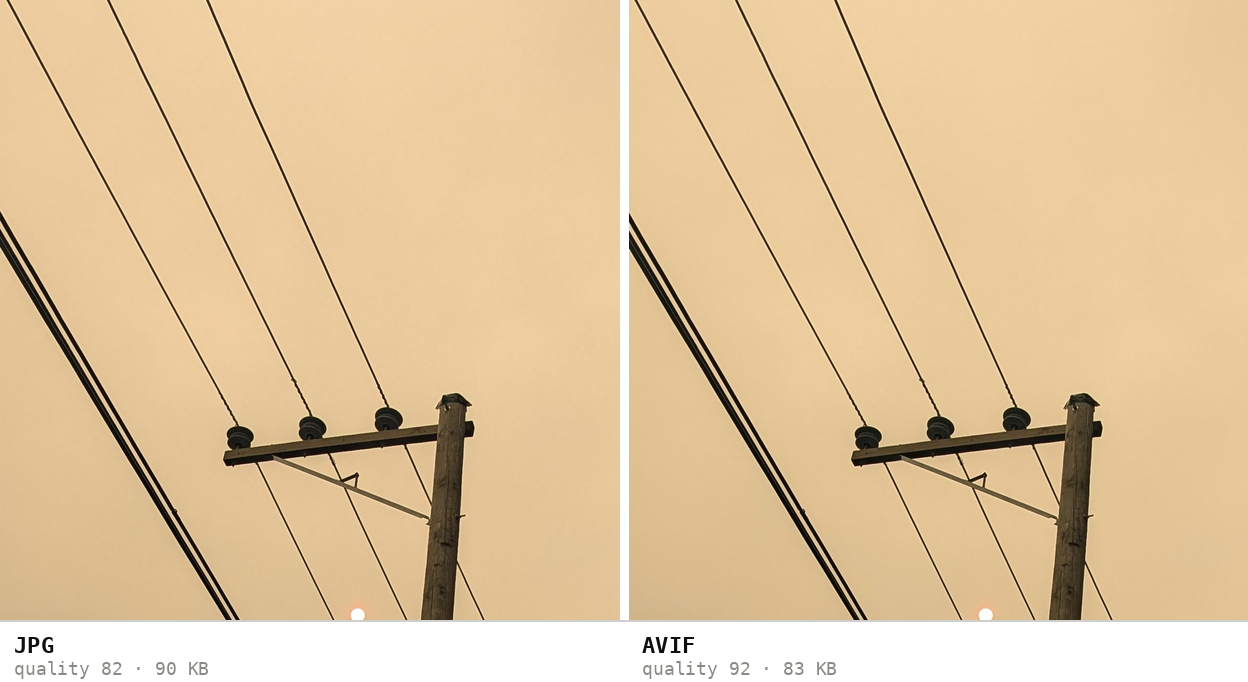
AVIF can match or exceed JPG quality at roughly half the file size. At standard conversion settings, the output is visually indistinguishable from the JPG source while being substantially smaller. For maximum quality, use higher quality settings; for maximum size savings, lower them — AVIF gives you a wider range than JPG.
Measured on one 12.5 MP phone photo (3072 × 4080, large smooth-gradient sky): 2,443 KB as JPG, 325 KB as AVIF — 87% smaller, visually indistinguishable.
How these figures were measured →
Filesmith runs entirely in your browser using WebAssembly. Files are never uploaded to any server — conversion happens locally on your device, instantly and privately.