AVIF to JPG Converter
AVIF isn't supported in all apps and older browsers yet. Convert to JPG for guaranteed compatibility everywhere.
Why convert AVIF to JPG?
AVIF is one of the newest image formats — released in 2019 and based on the AV1 video codec. It produces files roughly 30–50% smaller than JPG at the same visual quality. The catch is compatibility: many image editors, older browsers, social media platforms, email clients, and printing services still don't accept AVIF files.
JPG is the opposite — it's been around since 1992 and works literally everywhere. Every photo viewer, every website upload form, every printer, every messaging app supports JPG natively.
If you've downloaded an AVIF and a friend or service can't open it, converting to JPG instantly solves the problem. You'll trade some file size for universal compatibility.
About AVIF
AVIF (AV1 Image File Format) was developed by the Alliance for Open Media and released in 2019. It uses the same compression engine as the AV1 video codec, supports HDR and wide color gamuts, and is the most efficient widely-supported image format available today. Browser support is solid in Chrome, Firefox, and Safari 16+, but legacy software still struggles with it.
About JPG
JPG (Joint Photographic Experts Group) was standardized in 1992 and has been the default photo format for three decades. It uses lossy compression that's optimized for photographic content and is supported universally — every operating system, browser, image editor, and online service handles it natively.
Quality and file size
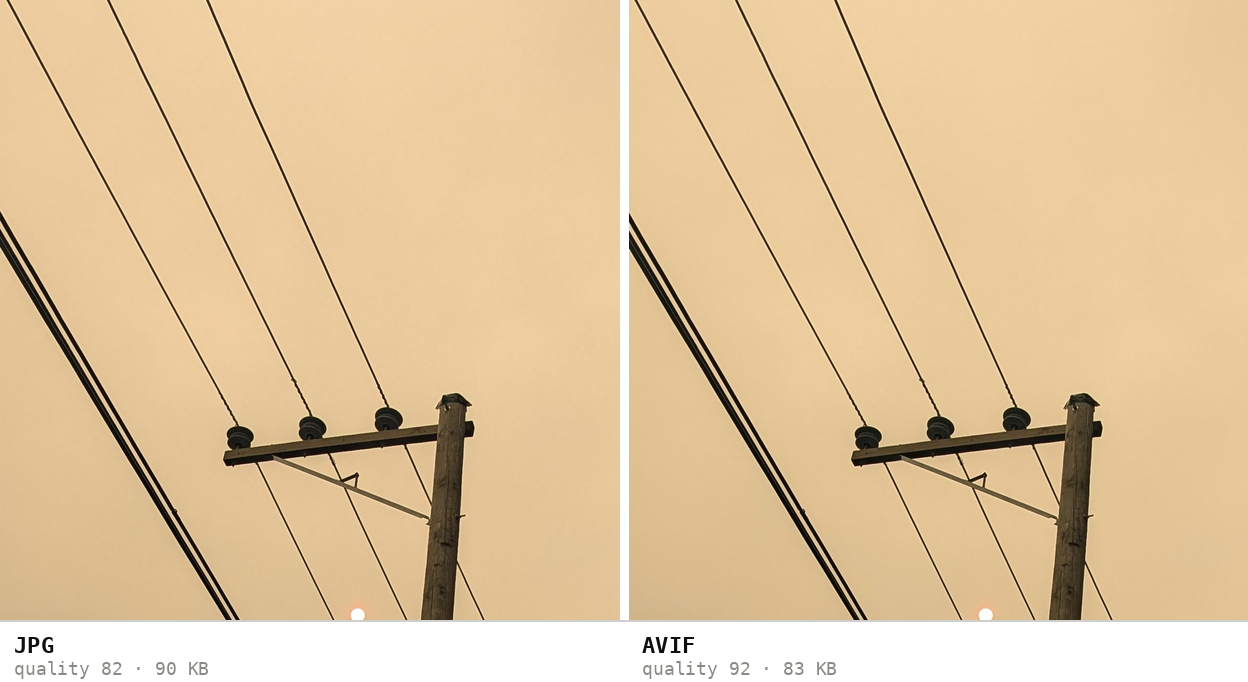
Going from AVIF to JPG means re-encoding with an older, less efficient compression algorithm. Expect the output JPG to be 2–4 times larger than the source AVIF at comparable quality. There's a small additional quality loss from the second encoding pass, but it's almost never visible on photographic content.
Expect the file to grow. Re-encoding a 325 KB AVIF produced a 1,321 KB JPG — 4.1× larger at comparable visual quality.
How these figures were measured →
Filesmith runs entirely in your browser using WebAssembly. Files are never uploaded to any server — conversion happens locally on your device, instantly and privately.