PDF to Word
Convert PDF to DOCX — editable, free, in your browser
Turn a PDF back into an editable Word document. Filesmith rebuilds the headings, paragraphs, lists and tables from the page so you can edit the text directly — all in your browser, nothing uploaded.
Turning a PDF back into an editable document
A Word document knows it has paragraphs, headings and lists. A PDF doesn’t — it knows a particular character sits at a particular coordinate. The structure was discarded when the file was made, so converting back means working it out from the layout.How the structure is rebuilt
What works well, and what needs tidying
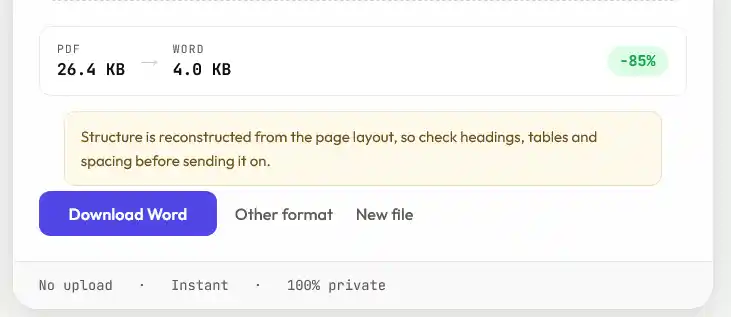
Prose, headings, lists, tables and images come across cleanly. Forms, heavily designed pages and complex multi-column layouts may need tidying afterwards — the text is all there, but the arrangement is inferred rather than known.Scanned PDFs won’t work
If your PDF came from a scanner or a phone camera, the page is an image and the words are pixels. There are no characters to extract, so converting it would need OCR, which Filesmith doesn’t do. If you have the original document, converting that gives a far better result.Why this is the hard direction
It helps to know what a PDF actually contains, because it explains every quirk in the result. A PDF does not store paragraphs, headings, or tables. It stores glyphs at coordinates — this character, this font, this size, at this position on the page. The structure you can see is something your eye assembles, not something recorded in the file.
So converting to Word isn't a format change, it's a reconstruction. The converter groups nearby characters into words, words into lines, lines into paragraphs, and infers which of them are headings from size and weight. It's inference, and inference is occasionally wrong.
Where it usually needs a hand
| Feature | What to expect |
|---|---|
| Body text | Reliable. Paragraphs and basic styling come through cleanly. |
| Tables with ruled lines | Usually detected, since the rules give the structure away. |
| Tables without rules | Often arrive as tab-separated text or separate paragraphs. |
| Multi-column layouts | The riskiest case — check the reading order first. |
| Footnotes | Typically land as ordinary text at the foot of the page, not as real footnotes. |
| Hyphenated line breaks | May leave words split in half where the original wrapped. |
A sensible order for tidying up: fix the heading styles first so the document outline is right, then rebuild any tables, then deal with images. Doing it the other way round means redoing work.
If the original Word file still exists anywhere, use that instead — no conversion beats the source. And if the PDF is a form you need to fill in, fill the PDF directly rather than converting it; you'll keep the layout and save yourself the tidying.