RTF to Word
Convert RTF to DOCX — formatting intact, in your browser
Convert a Rich Text Format file into a modern Word document. Formatting, lists and tables carry across, and the whole thing happens in your browser with nothing uploaded.
From the old interchange format to modern Word
What carries across
Bold, italic, underline and strikethrough, headings, bullet and numbered lists, and tables are preserved as you convert to .docx. The result opens natively in Word, Google Docs and LibreOffice.Text encoding done right
RTF stores special characters and accents in an old escaping scheme that other converters often mangle — turning accented letters or smart quotes into garbled symbols. Filesmith decodes these correctly, so café stays café.Why you still run into RTF
Microsoft published RTF in 1987 as a way to move formatted text between programs that otherwise couldn't read each other's files. Development stopped in 2008, and it has been legacy ever since — but it hasn't gone away, because it does one thing extremely well: almost every word processor ever written can open it.
That's why it survives in the places you meet it: older legal and medical software that exports correspondence, WordPad's default output on Windows, some email clients storing formatted messages, and case-management or practice systems built decades ago and still running.
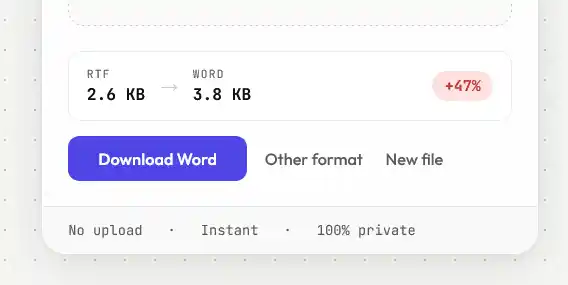
Expect the file to get much smaller
RTF is a plain-text format, which means anything that isn't text has to be written out as text. Images get encoded as hexadecimal — two characters for every byte — so an embedded photo occupies roughly double its actual size, before any compression, because RTF has none.
DOCX is a zip archive. Images are stored as real binary files and the whole package is compressed. On a document with images, the same content routinely lands somewhere between a third and a tenth of the RTF's size. On plain text documents the saving is smaller but still real.
What RTF was never able to do
Worth knowing what you're gaining, not just what carries over. RTF has no real style inheritance — formatting is applied directly to runs of text rather than through named styles that cascade — which is why RTF documents are painful to restyle consistently. It has no support for modern layout features, no tracked changes as Word implements them, and no document-level accessibility structure. Converting to DOCX doesn't invent those things, but it puts the document in a format where you can start using them.