PDF to Text
Extract plain text from PDF to TXT — free, in your browser
Pull the plain text out of a PDF — clean, unformatted and ready to paste anywhere. Filesmith reads the text in proper reading order, all in your browser, with nothing uploaded.
🔒 Never uploaded
⚡ Instant
📋 Clean output
✓ Free
When you just want the words
Reading order matters
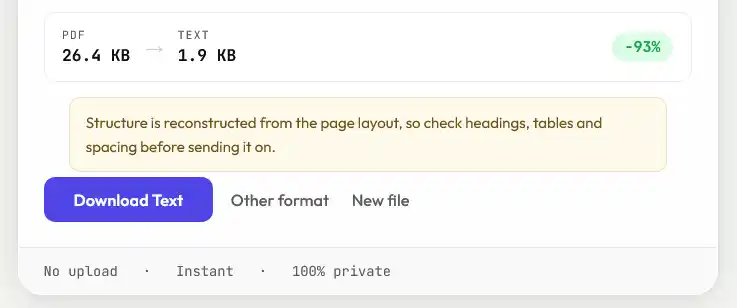
A PDF stores characters by position, not by reading order, so naive extraction can jumble columns and headers. Filesmith groups characters into lines and paragraphs the way a person reads them, so the text comes out in the order you’d expect rather than scrambled.What plain text can’t keep
Text has no concept of fonts, colours, images, headers or footers, so those are dropped by nature. What you get is the words, in order — nothing more, which is exactly the point.Scanned PDFs won’t work
If the PDF is a scan or photo, the page is an image with no text layer to extract. That needs OCR, which Filesmith doesn’t do.Small things that show up in the output
Extracting text is mostly clean, but a few artefacts of how PDFs store type are worth recognising so you know they aren't errors on your end:
- Ligatures. Many typefaces draw "fi" and "fl" as single joined characters. Well-made PDFs map those back to the individual letters; older or unusual ones sometimes don't, leaving odd characters mid-word.
- Hyphenated line breaks. A word split across two lines in the original may arrive still split, since the hyphen is a real character in the file.
- Tables. With no grid in plain text, columns arrive as runs of text one after another. Fine for reading, not for data.
- Headers and footers repeat on every page in the source, so they repeat in the output too.
What plain text is genuinely good for
Stripping the formatting is often the entire point:
- Searching a long document, or grepping across many at once
- Counting words in something that won't give you a word count
- Feeding content into another tool — a translator, a summariser, a script — that wants text rather than a document
- Comparing two versions of a document, since plain text diffs cleanly and PDFs don't
- Getting readable content out of a PDF whose layout fights screen readers
The output is UTF-8, so accented characters, non-Latin scripts and symbols survive intact.
Frequently asked
Is my PDF uploaded?
No. Text is extracted entirely in your browser — the file never leaves your device.
Will the text be in the right order?
Yes. Filesmith groups characters into lines and paragraphs in natural reading order, so multi-column pages and headers don’t come out scrambled.
Can it read a scanned PDF?
No. A scan has no text layer — the words are pixels. Extracting them needs OCR, which Filesmith doesn’t do.
Does it keep any formatting?
No, and that’s intended. Plain text keeps the words and their order but not fonts, colours, images or layout.
Is it free?
Yes, completely free with no limits.